
下载 Ant Messenger,电脑手机都有
Download Ant Messenger for PC and Mobile
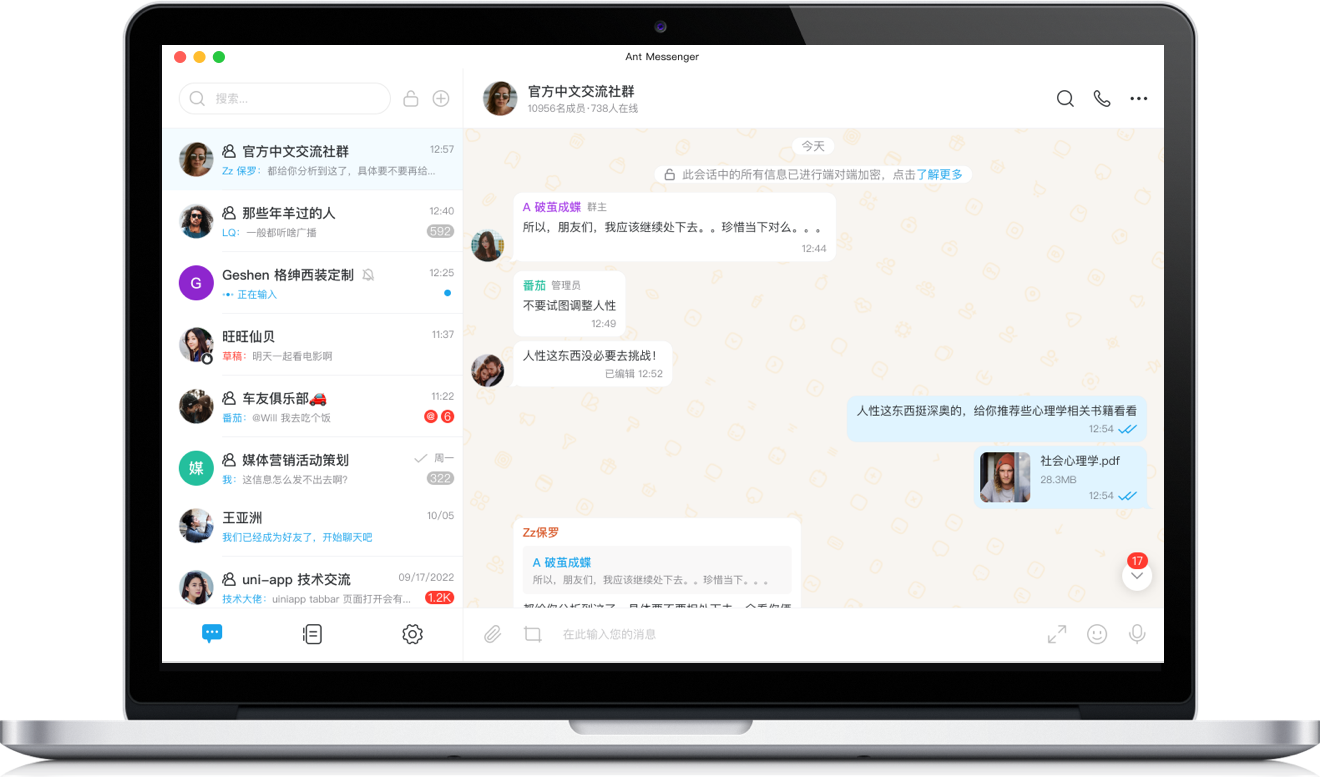
Windows版
Windows
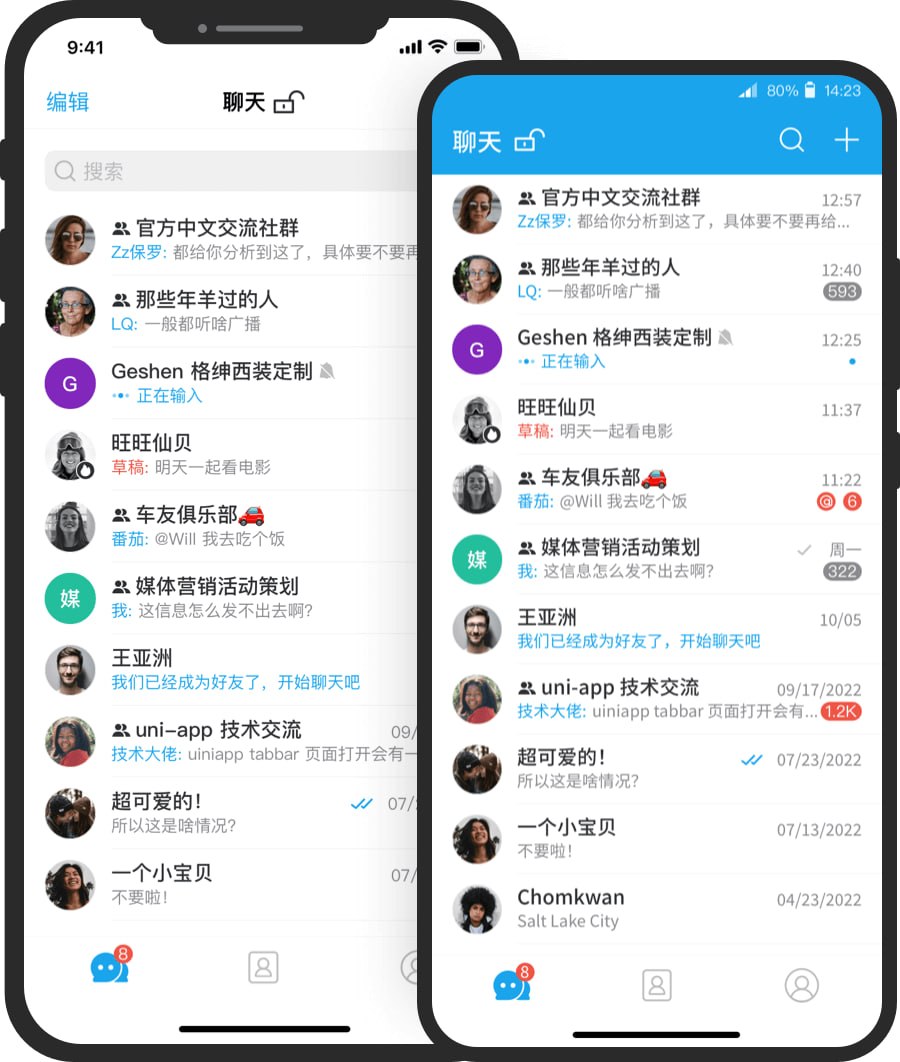
手机版
Mobile
装之前,这四个理由先看看
Four Reasons to Look Before You Install
消息出门前就加密
Encrypted Before It Leaves
就像把信塞进只有对方能拆的信封,你的话发出去前就已经加密,中途谁也没法打开看。
Like a letter sealed in an envelope only the recipient can open, your words are encrypted before they leave — nobody can open them along the way.
防偷看是默认配置
Anti-Snooping Out of the Box
防截屏、阅后即焚、应用锁全是内置功能,不用费劲折腾设置,装上就有基本防护。
Screenshot blocking, self-destruct, and app lock come ready to use, so you get solid protection without fiddling with settings.
换设备不丢聊天
Never Lose Your Chats
Windows、安卓、iOS、macOS 都支持,手机电脑登录同一个账号,加密记录跟着同步,换机也轻松。
Works on Windows, Android, iOS, and macOS; sign in on any device and encrypted history stays in sync, so upgrades feel effortless.
想自建服务器也可以
Self-Host If You Want Full Control
有的团队就是习惯把数据攥在自己手里,那可以把服务架在自家服务器,存储和加密自己说了算。
Some teams prefer keeping data firmly in-house — host the service on your own server and manage storage and encryption yourself.
下载安装,你可能想问的
Questions You May Have Before Installing
电脑老一点,带得动 Windows 版吗?
Will it run on an older PC?
一般 Windows 10 以上的 64 位系统就够用,记得把系统更新开着,用起来更稳,也不容易出安全问题。
A 64-bit Windows 10 or newer usually does the job; keep updates on for stability and fewer security issues.
电脑登录为啥非要扫码?
Why the QR code on desktop anyway?
这是为了确认登录的人是你:先在手机上装好并注册,再用电脑上的二维码扫一下,等于给账号加了一道确认。
It confirms it's really you signing in: set up your phone first, then scan the desktop QR code — an extra confirmation for your account.
手机上怎么下载最稳妥?
Safest way to get the phone app?
直接去手机自带的应用商店搜 Ant Messenger,或者用本页的手机版按钮。别从陌生人发来的链接里装。
Search Ant Messenger in your phone's official store, or use the mobile buttons on this page — never install from links strangers send you.
免费软件,聊天放它那儿安全吗?
A free app — are my chats safe on it?
它把钥匙放在你手里:消息端到端加密,能阅后即焚、能防截屏,源码公开可查,也不靠广告和卖数据赚钱。
It keeps the keys with you: end-to-end encryption, self-destruct, screenshot blocking, open source for checking — and it doesn't profit from ads or selling your data.